Tracking your marketing performance across channels can get messy fast. With so many platforms running at once, it’s hard to know what’s working and what’s just draining your budget. That’s where cross-channel analytics tools come in. They pull your data into one place so you can see the full picture, spot trends, and make better decisions. In this blog, we’ll walk you through the best tools that help you do just that.
What Are Cross-Channel Marketing Analytics Tools?
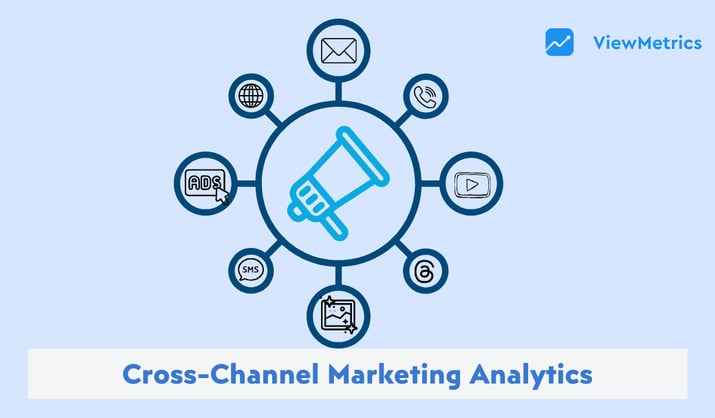
Cross-channel marketing analytics tools are platforms that collect, unify, and analyse your marketing data from multiple channels: paid ads, organic search, email, social media, CRM, and bring it all into a single view. Instead of logging into five different dashboards and manually piecing together what’s working, these tools do the aggregation for you so you can see the full picture of your marketing performance in one place.
Why use Cross-channel marketing Analytics Tools?
- See the complete customer journey: Most customers interact with your brand multiple times across different channels before buying. These tools connect every touchpoint so you can see the full path from first click to final conversion, not just the last step.
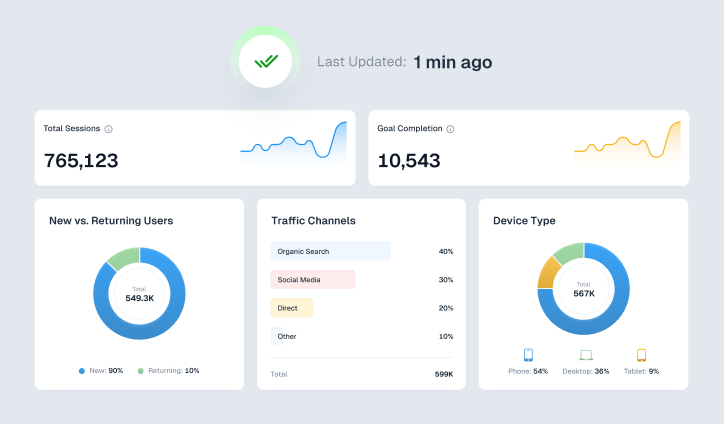
- Make faster, more confident decisions: When your data lives in separate platforms, pulling a report takes hours. A cross-channel analytics tool gives you a live, unified dashboard so your team can spot trends and act on them the same day.
- Improve campaign performance over time: When you can see how channels interact with each other, you can test smarter. You’ll know whether adding email to a paid social campaign lifts conversions, or whether organic search is warming up audiences that paid ads then close.
- Align your team around one version of the truth: Different teams looking at different dashboards often arrive at different conclusions. A shared analytics layer means your paid, email, and organic teams are working from the same numbers, which makes planning and reporting far less chaotic.
- Scale without losing visibility: As you add more channels and campaigns, managing performance manually becomes impossible. Cross-channel analytics tools grow with you, keeping everything organised and measurable even as your marketing operation gets more complex.
Top Cross-Channel Marketing Analytics Tools at a Glance
| Tool | Best Features | Best For | Pricing (Starting/Month, Billed Annually) |
|---|---|---|---|
| ViewMetrics | Multi-channel integration, real-time dashboards, Google Add-on | Small agencies needing simple ad/CRM unification | Free; $19 (Starter) |
| Whatagraph | Cross-channel reporting, automation, white-label templates | Small teams consolidating multi-platform data | ~$199(Starter) |
| Improvado | Custom data models, campaign governance, 99.99% SLA | Enterprises building tailored marketing pipelines | On consultation |
| Google Analytics 4 (GA4) | Cross-channel budgeting, AI attribution, real-time ROAS | Data-driven teams optimizing ad spend across platforms | Free |
| Mixpanel | Behavioral analytics, event-based tracking | Product teams analyzing user engagement in campaigns | Free; $25 (Growth) |
| Heap | Auto-capture events, session replay, behavioral segmentation | Growing teams tracking user journeys without manual setup | Free; custom (Growth) |
| Tableau | AI-powered dashboards, custom visualizations | Advanced users creating enterprise-scale marketing visuals | ~$75/user (Creator) |
| Microsoft Power BI | AI visuals, dataflows, collaboration | Teams integrating Microsoft ecosystem for reports | Free; $10/user (Pro) |
| Looker Studio | Custom connectors, dashboards (extra fees for non-Google) | Google-centric marketers expanding to other channels | Free |
| HubSpot Marketing Hub | Multi-channel automation, CRM integration | SMBs scaling inbound marketing with CRM | Free; $800 (Professional) |
| Salesforce Marketing Cloud | AI optimization, attribution, media planning | Large enterprises unifying paid/owned/earned data | $25/month (Starter) |
| ActiveCampaign | Automation workflows, lead scoring, ad syncing | Email-focused teams automating cross-channel campaigns | $15/month (Starter) |
Read in Detail – Cross-Channel Marketing Analytics: Benefits, KPIs & Tools
Data Integration & Reporting Tools
-
ViewMetrics
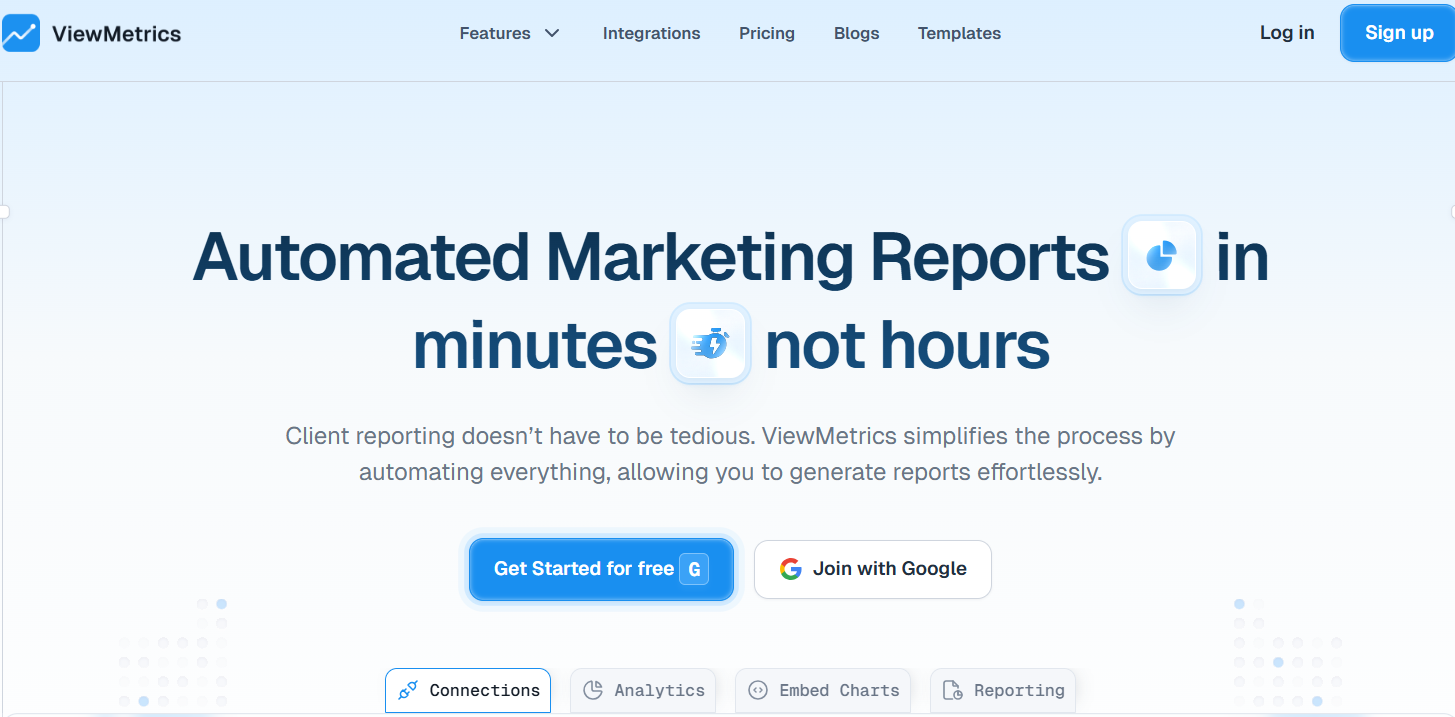
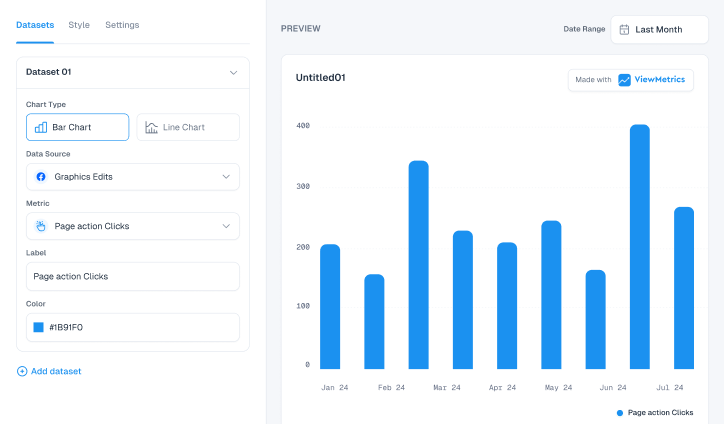
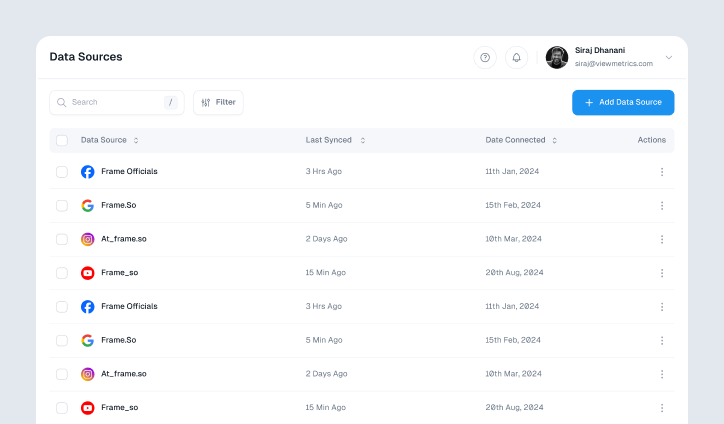
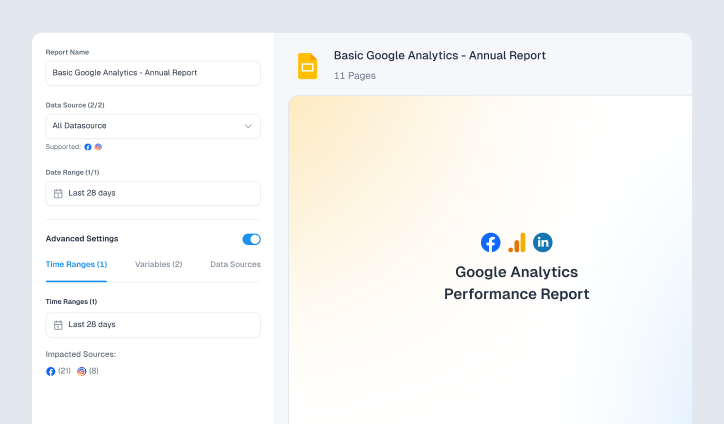
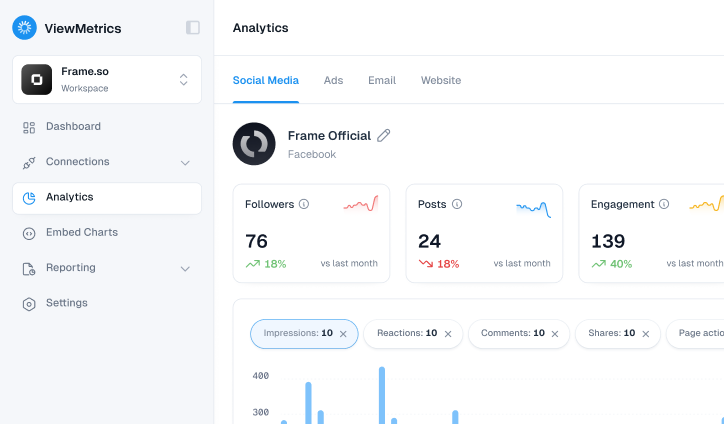
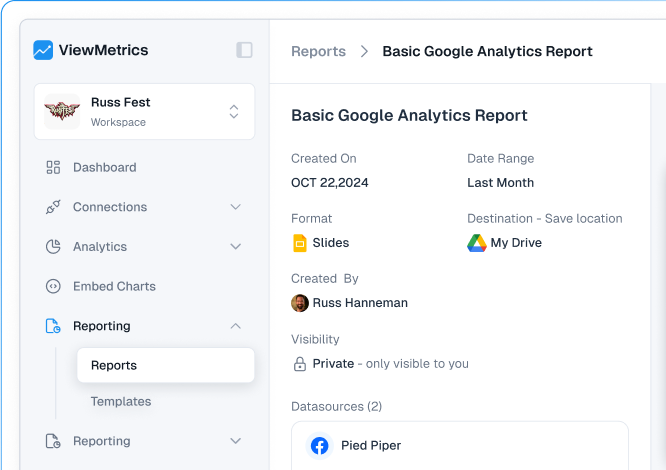
If you’re tired of messy spreadsheets and jumping between platforms, ViewMetrics gives you a clean and automated way to track cross-channel performance. It brings all your marketing data into one place and builds beautiful dashboards and reports inside Google Slides or Sheets. Whether you’re managing one brand or many clients, this tool takes away the pain of manual updates.You can connect social media, email platforms, ad accounts, and website analytics into one live dashboard. It also lets you set daily, weekly, or monthly syncs depending on how often you need updates. No extra charges for each data source or client, either.
Key Features:
- Works with unlimited integrations like social, ad, email, and web accounts
- Lets you create reusable reports with live data in Slides and Sheets
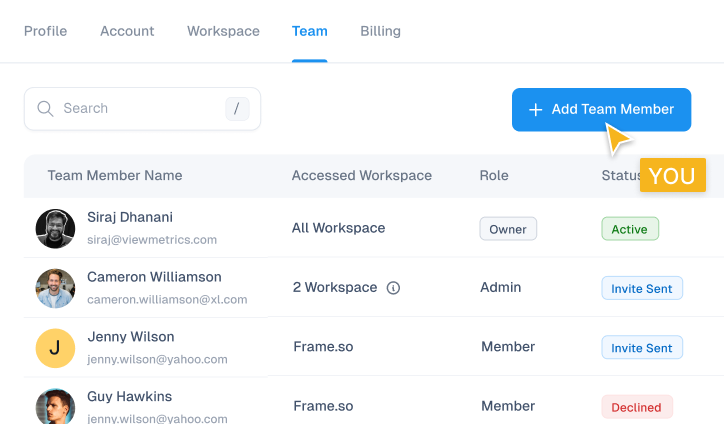
- Offers multi-workspace access to keep client work separate
- No per-source charges or usage limits
- Custom templates and visual dashboards ready to share
Best For:
- Solo marketers and agencies managing multiple clients
- Anyone who wants simple, automated reporting without paying enterprise prices
-
Whatagraph
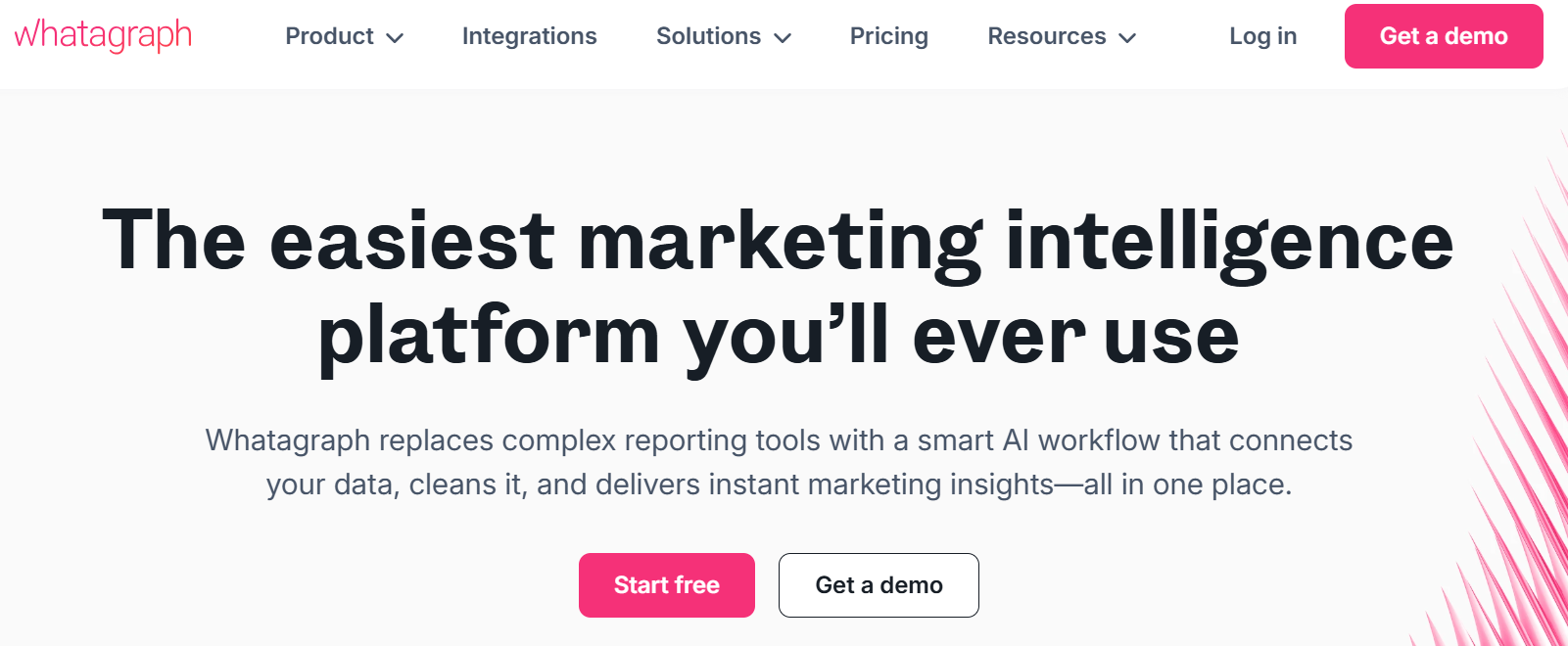
Whatagraph uses AI to help marketers blend and visualise data from multiple sources like Google Analytics, Facebook Ads, and HubSpot. It’s designed to save time by automating data pulls and combining metrics across SEO, social, paid media, and email. Reports are visually appealing and easy to share with clients or teams.Key Features:
- Connects to 5000+ platforms with advanced data blending
- AI summaries and anomaly detection
- Drag-and-drop report builder
- White-label dashboards with live sharing
- Scheduled PDF reports and link-based access
Best For:
- Agencies who want client-ready reports with little manual work
- Performance marketers juggling many platforms
-
Improvado
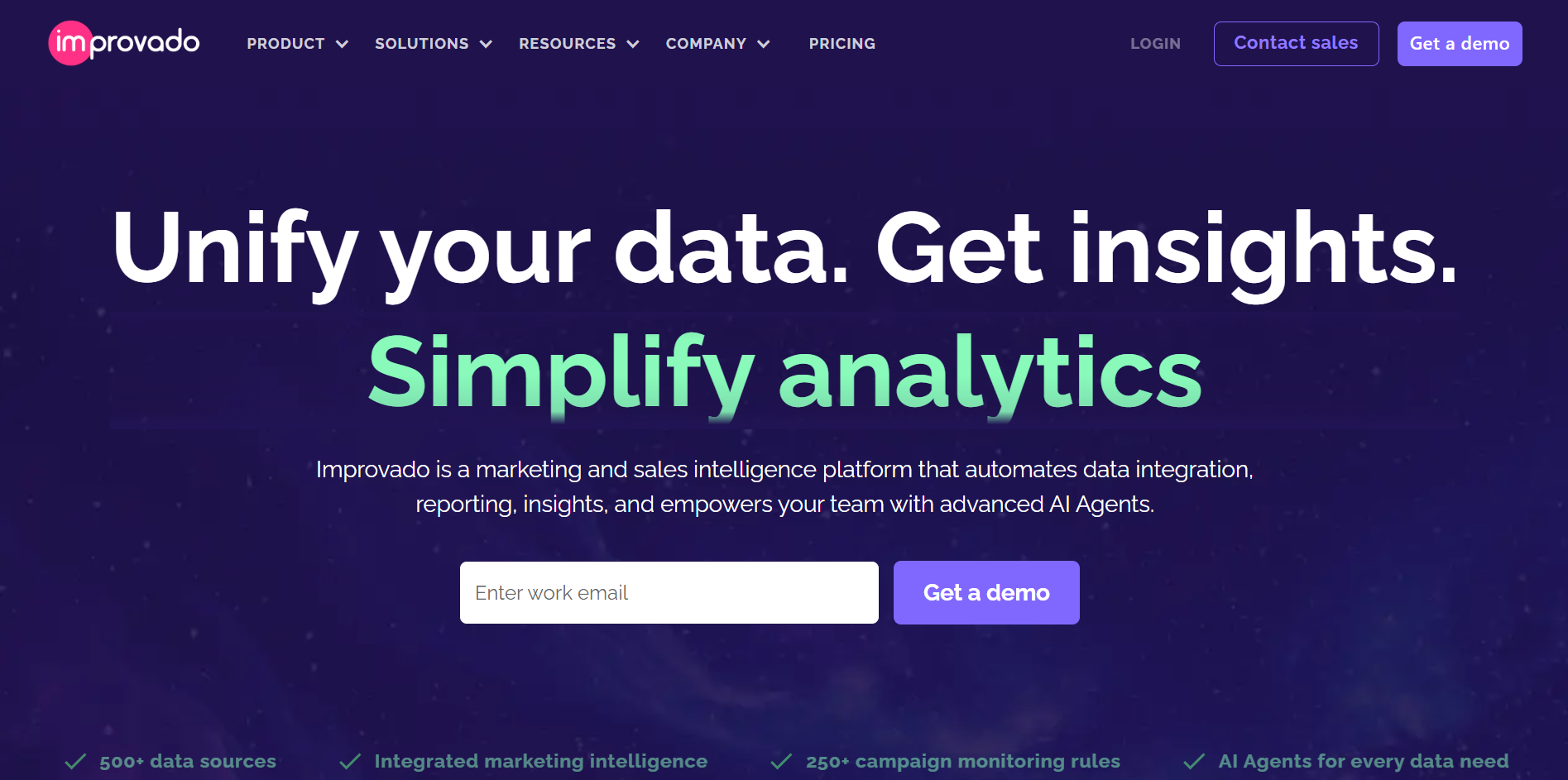
Improvado is a more advanced option, ideal for teams that need to handle massive data volumes. It handles everything from extraction to transformation to visualization, offering a no-code environment for teams. It’s built for scale, and helps unify ad spend, CRM, and performance metrics into one platform.Key Features:
- 500+ integrations and automated pipelines
- Custom dashboards and visualizations
- AI-driven query tools and report building
- Reverse ETL to send data back into CRMs or ad tools
- Enterprise-grade governance and data quality monitoring
Best For:
- Large teams handling complex marketing data
- Agencies needing scalable cross-channel reporting with automation
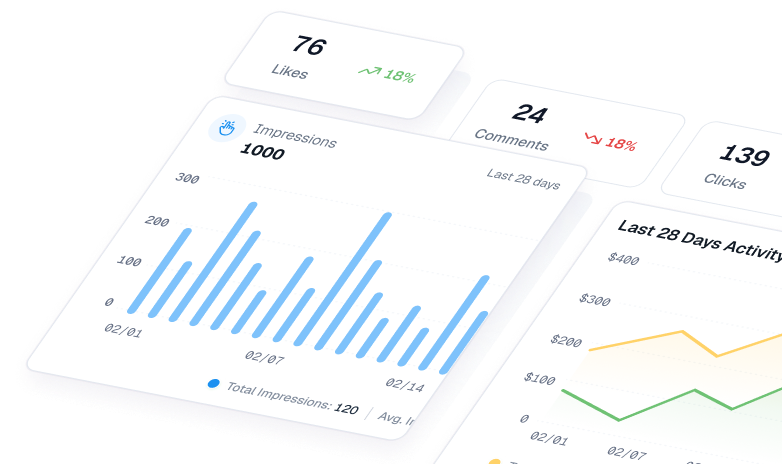
Web & Product Analytics Tools
-
Google Analytics 4
Google Analytics 4 tracks users across websites and apps using event-based data. It helps you see how people interact across channels and gives insight into where traffic comes from, what converts, and what needs work. It connects easily with Google Ads and Search Console.Key Features:
- Event tracking and funnel building
- Predictive analytics and churn probability
- Integration with Google’s entire marketing suite
- Export to BigQuery for deep dives
Best For:
- Marketers working in the Google ecosystem
- Teams wanting a free, detailed view of user journeys
-
Mixpanel
Mixpanel focuses on product analytics. It tracks what users do inside your app or site, then ties those actions back to the marketing source. This helps you figure out which channels are driving real engagement and long-term value.Key Features:
- Real-time cohort and funnel analysis
- Tracks feature usage, retention, and revenue impact
- Connects campaign data with in-product behavior
- Built-in A/B testing insights
Best For:
- SaaS or product teams improving retention
- Marketers tracking campaign ROI beyond just clicks
-
Heap
Heap captures every click, scroll, and action without manual tagging. It retroactively builds funnels, paths, and session replays, making it easier to understand how visitors move across your site or app and where they drop off.Key Features:
- Automatic event tracking with no setup
- Session replays and real-time data
- Predictive insights and journey mapping
- Cross-platform data stitching and user profiles
Best For:
- Teams avoiding manual setup
- Marketers focused on UX and behavior-based optimizations
-
Tableau
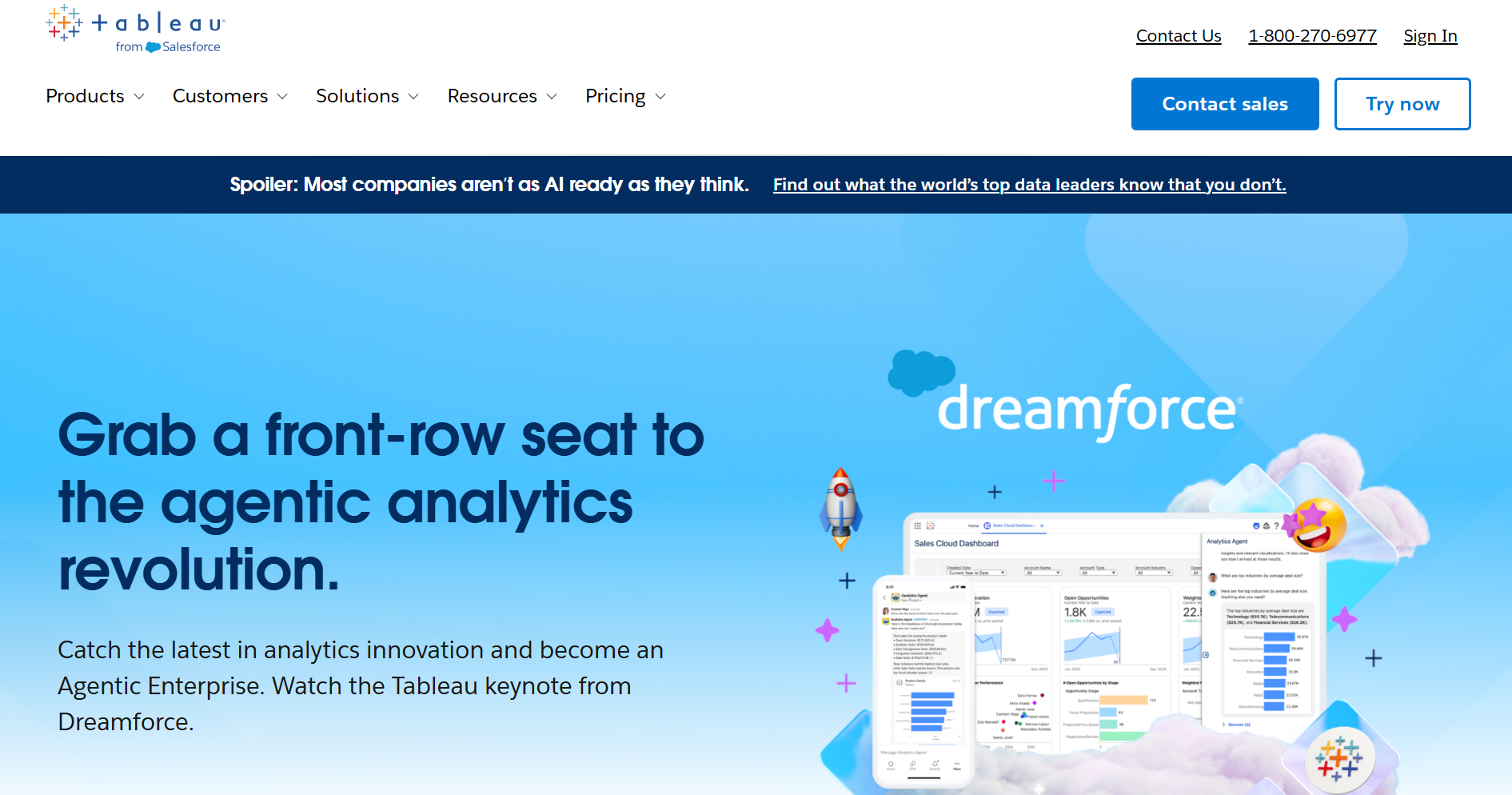
Tableau is a visual analytics powerhouse. You can blend data from any source and create interactive dashboards. It supports natural language queries, making it easier to pull insights without writing code. Its flexibility is ideal for large teams that need to share deep, custom insights.Key Features:
- Live data blending from hundreds of sources
- Drag-and-drop dashboard creation
- Advanced filters, storytelling, and forecasting
- Built-in AI tools for trend discovery
Best For:
- Data teams and analysts building in-depth reports
- Marketers who need flexible, powerful visuals
-
Microsoft Power BI
Power BI makes it easy to pull marketing data from different tools and turn it into real-time dashboards. It includes built-in AI visuals, alerts, and natural language search. If your team already uses Microsoft apps, Power BI blends in smoothly.Key Features:
- AI visuals and natural language search
- Real-time dashboards and mobile alerts
- Embedded analytics in apps or portals
- Automated reporting and data prep
Best For:
- Enterprises using Microsoft Office and Azure
- Teams needing secure, governed data models
-
Looker Studio
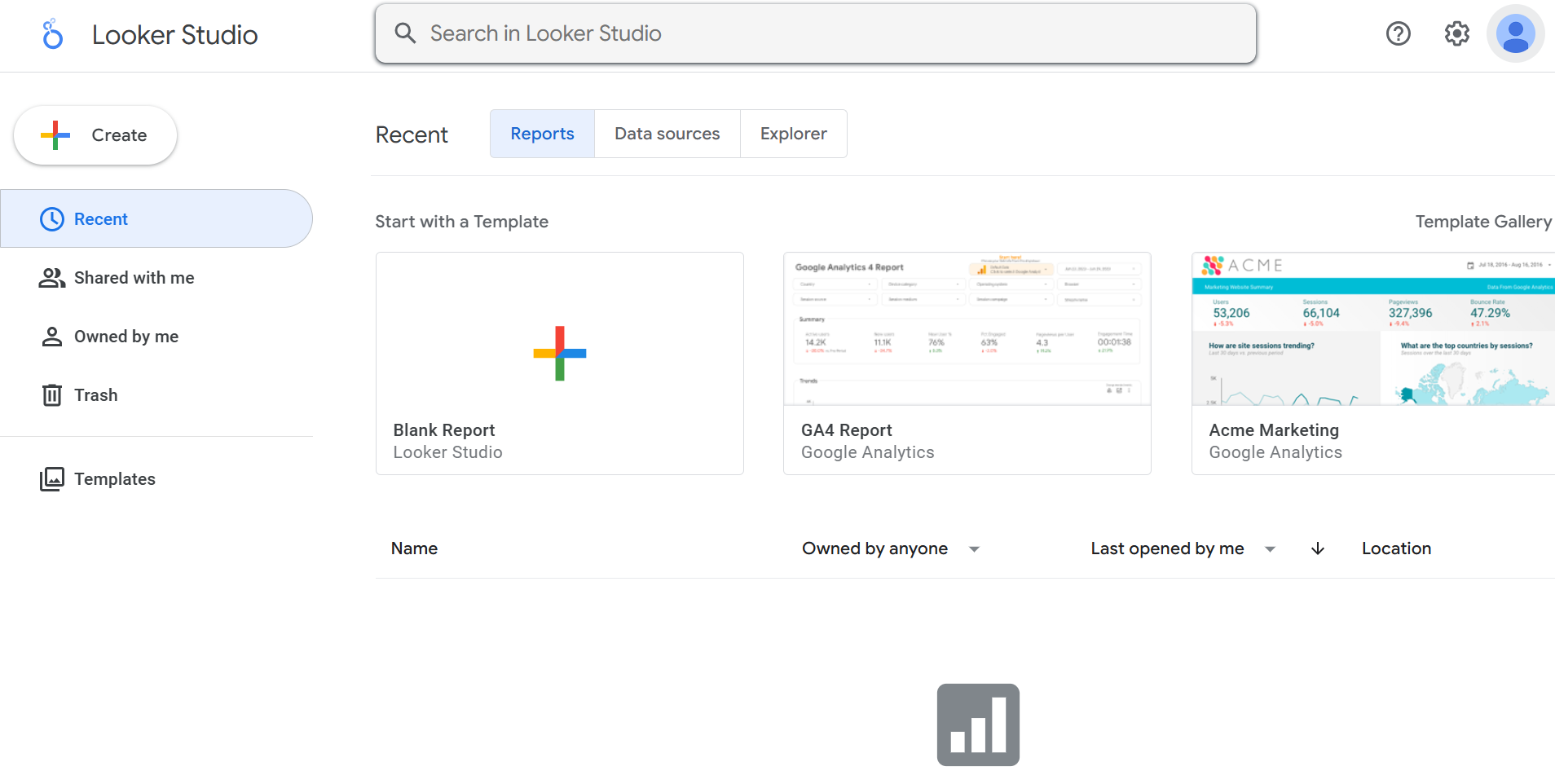
Looker Studio (formerly Data Studio) is a free Google tool for creating dynamic dashboards. It connects to over 800 data sources, making it ideal for building shareable reports that bring cross-channel data into one place.Key Features:
- Supports GA4, Google Ads, BigQuery, and more
- Drag-and-drop dashboard editor
- Blended metrics and calculated fields
- Real-time collaboration and scheduled exports
Best For:
- Marketers looking for a free, flexible dashboard builder
- Agencies who need to share live campaign performance with clients
All-in-One Marketing Platforms
-
HubSpot Marketing Hub
HubSpot combines CRM, email, ad tracking, and landing page tools into a single platform. It helps you track every step of the customer journey and tie revenue back to each marketing touchpoint.Key Features:
- Built-in CRM and automation tools
- Multi-channel campaign tracking
- Lead scoring and reporting
- Ad management and social posting
- Easy scaling from free to enterprise
Best For:
- SMBs are growing their inbound marketing strategy
- Teams looking to manage all channels from one place
-
Salesforce Marketing Cloud

Salesforce Marketing Cloud is a powerful suite for large teams running personalised campaigns across email, SMS, ads, and more. It uses AI to segment audiences and optimise journeys in real time.Key Features:
- Journey builder for multi-channel workflows
- AI-powered insights and recommendations
- Real-time cross-channel performance dashboards
- Customer Data Platform (CDP) integration
- Advertising and mobile automation tools
Best For:
- Large organisations with complex marketing data
- B2B teams running multi-touch campaigns
-
ActiveCampaign
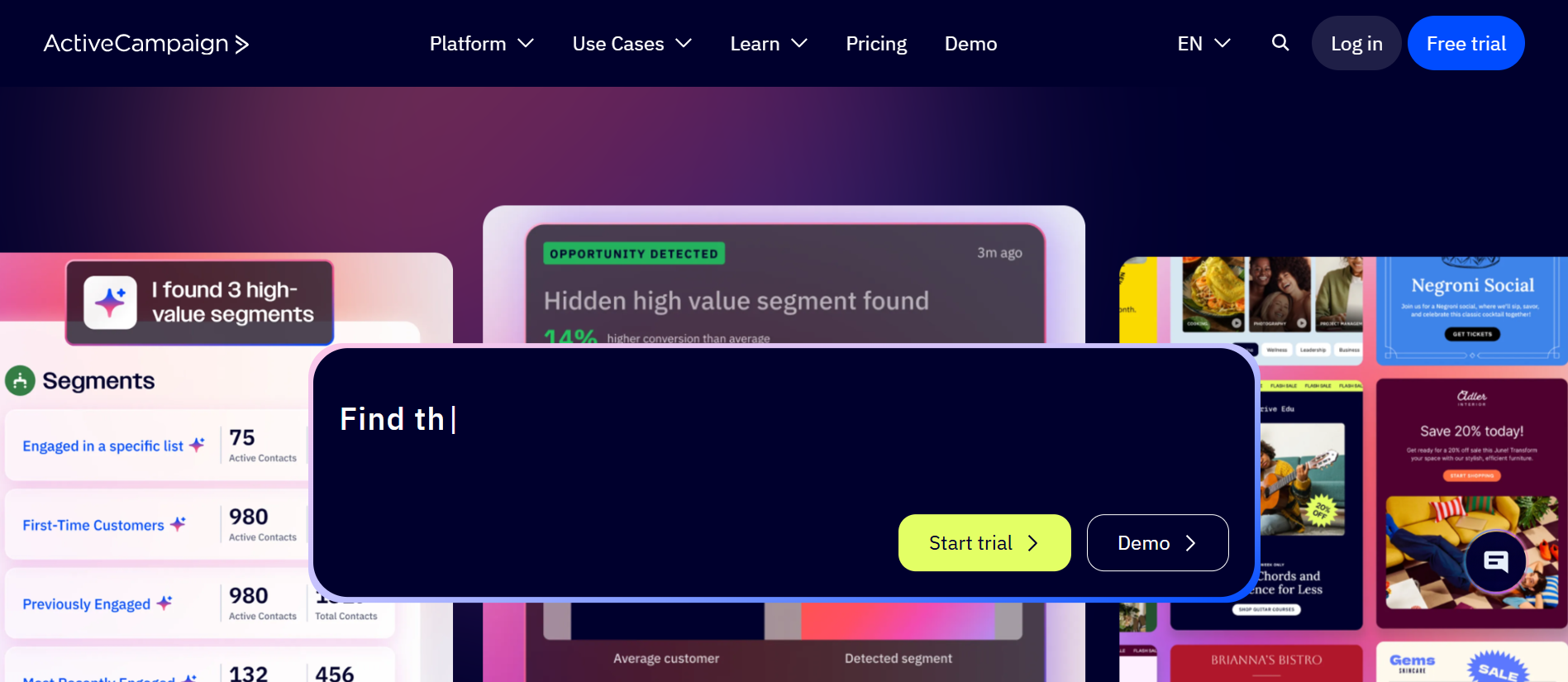
ActiveCampaign offers a strong blend of CRM, automation, and multi-channel messaging. It lets you send emails, track site visits, score leads, and automate follow-ups based on behaviour.Key Features:
- Site tracking and behavioural scoring
- SMS and WhatsApp messaging
- Predictive sending and A/B testing
- Drag-and-drop automation builder
- Conditional content and split paths
Best For:
- Mid-sized businesses focused on lead nurturing
- E-commerce or service brands automating customer journeys
How to Choose the Right Cross-Channel Marketing Tool for Your Team
Here’s what to keep in mind while choosing a cross-channel marketing tool:
-
Ease of Integration
Start by checking how well the tool connects with the platforms your team already uses. Can it sync with your CRM, email software, ad platforms, and analytics tools? If not, your team will end up juggling different apps manually, which wastes time. Go for something that fits in easily with your current setup, so everyone can keep working without constant workarounds.
-
Customization
Your team’s workflows and goals are unique, so the tool should adjust to you, not the other way around. Look for features that let you tweak reports, dashboards, and customer journeys. If your tool allows role-based access, drag-and-drop campaign editors, or workflow templates, it becomes a lot easier to build campaigns that actually reflect your brand.
-
AI and Automation
If your team is juggling multiple campaigns across email, social, SMS, and ads, automation is a must. AI-driven features can help you schedule posts, send triggered emails, segment audiences, and even suggest the best time to post. The right tool should reduce manual tasks so your team can focus more on strategy and less on clicks.
-
Pricing
Budget matters, especially if you’re scaling or working with a lean team. Compare pricing based on how your team actually works. Some tools charge by contact count, others by usage or features. Make sure you’re not paying for things you won’t use. Check if they offer trials or starter plans that let you test things before committing.
Closing Thoughts
Cross-channel marketing gets a lot easier when all your data comes in one place. The right analytics tool helps you see what’s working, cut wasted spend, and make clearer decisions across every platform you use. Whether you are a solo marketer or part of a growing team, choosing a tool that fits your setup and budget can make a real difference in how confidently you plan and scale your campaigns.


View All Your Marketing and Website Data - Instantly
 Connect Instagram, Mailchimp, Google Analytics & more
- Pre-built dashboards, no setup needed
- Save hours on reporting every week
Frequently Asked Questions (FAQs)
-
What metrics should I track with cross-channel marketing tools?
Track conversions, ROI, traffic, cost per acquisition, and click-through rates. Also, look at how users move across different platforms before converting.
-
Can small businesses benefit from cross-channel marketing tools?
Yes. These tools bring all your marketing data into one place and help you make smarter decisions without needing a large team.
-
What channels can cross-channel analytics tools track?
Most tools track ads, social media, email campaigns, SEO, website traffic, and CRM data across multiple platforms.
-
Can one tool track all marketing channels?
Some tools can, but many marketers prefer using a mix of tools to cover all platforms more accurately.
-
How do cross-channel analytics tools help with ROI tracking?
They show which channels bring conversions and revenue, so you can measure which efforts are actually worth your money.
-
How accurate are cross-channel analytics tools?
Accuracy depends on how well the tools are set up and whether your data sources are connected and clean.
-
Do these tools support real-time data tracking?
Yes. Many modern tools provide real-time or near real-time insights so you can react quickly and adjust campaigns as needed.