If you want to turn your goals into real, measurable results, you need more than just setting OKRs. You need a clear way to track progress. OKR reporting helps you do exactly that. It connects your objectives with actual performance. This guide helps you learn what OKR reporting is, its examples, dashboards, and the best practices to make your report effective.
What Is OKR Reporting?
OKR reporting is the process of tracking, reviewing, and communicating progress on objectives and key results (OKRs). It helps teams measure how close they are to achieving their goals and ensures everyone stays aligned with business priorities. Instead of relying on assumptions, OKR reports provide clear, data-backed updates.
It guides decision-making and keeps teams focused, so you can see what is working, what needs attention, and how your team is moving forward.
Why the OKR Report Matters for Your Team?
OKR reports turn goals into actionable insights and keep your team on track. It ensures that OKRs are not just set, but actively managed and reviewed.
- Integrates OKRs Into Regular Reviews: Keeps goals visible during weekly or monthly check-ins.
- Drives Alignment With Business Priorities: Ensures everyone is working toward shared objectives.
- Enhances Visibility and Ownership: Teams clearly understand progress and responsibility.
- Reveals Bottlenecks Early: Identifies issues before they impact results.
- Supports Data-Backed Decision-Making: Helps teams rely on actual performance data.
- Keeps Stakeholders and Leadership Updated: Provides structured and consistent updates.
- Simplifies Tracking With Automation Tools: Makes OKR status reporting faster and more efficient.
What Should OKR Reports Include?
A clear OKR report should give a quick and complete view of progress without overwhelming the reader:
- Goal Overview: A concise summary of the objective.
- Key Results With Measurable Data: Metrics that clearly show progress.
- Current Progress Status: Indicators such as on track, at risk, or off track.
- Confidence Rating: The team’s confidence in achieving the objective.
- Roadblocks and Challenges: Factors that may slow progress.
- Planned Next Actions: Steps required to move forward.
Examples of OKR Reporting in Action
OKR examples for reporting help to look at a simple use case. A strong OKR progress report clearly shows what the team is trying to achieve and how they are performing.
Sample Marketing OKR Report
Objective: Increase website conversions
Key Results:
- Improve landing page conversion rate from 2 percent to 4 percent
- Increase organic traffic by 30 percent
- Reduce bounce rate by 15 percent
Progress Status: On track
Confidence Level: High
Challenges: Limited content production capacity
Next Steps: Launch new landing pages and optimize existing ones
This type of structured OKR report makes it easy for teams and stakeholders to quickly understand performance and take action.
Best Practices for Effective OKR Reporting
To get the most value from the OKR report, keep your approach simple, consistent, and focused on results in the following ways:
- Maintain Simplicity and Consistency: Avoid overly complex reporting formats.
- Prioritize Outcomes Over Activities: Focus on results instead of tasks.
- Track Using Clear Metrics: Use measurable indicators for accuracy.
- Update Reports Consistently: Weekly or bi-weekly updates improve tracking.
- Promote Transparency Across Teams: Share updates openly to improve alignment.
How KPIs and OKR Reporting Work Together?
KPIs and OKRs often work best when used together. While KPIs (Key Performance Indicators) track ongoing performance, OKRs focus on achieving specific goals within a set timeframe. In practice, KPIs show what is happening, while OKRs define what you want to achieve next. You can also explore the detailed comparison of KPI vs OKR to better understand how both frameworks work together in performance tracking and goal setting.
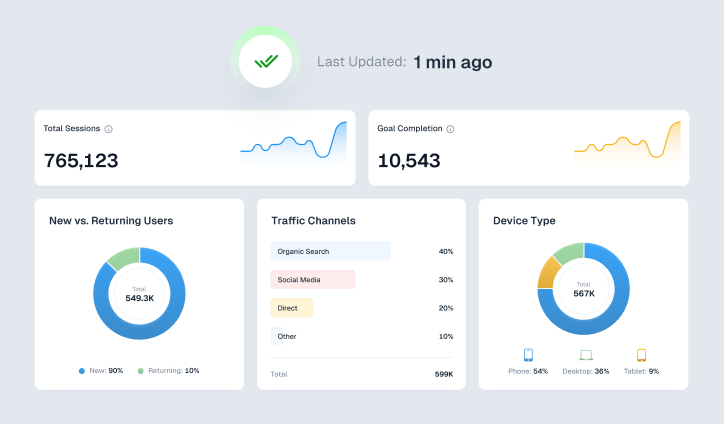
When combined in OKR reporting dashboards, they provide both context and direction. This helps teams not only measure performance but also improve it strategically.
How ViewMetrics Simplifies OKR Reporting?
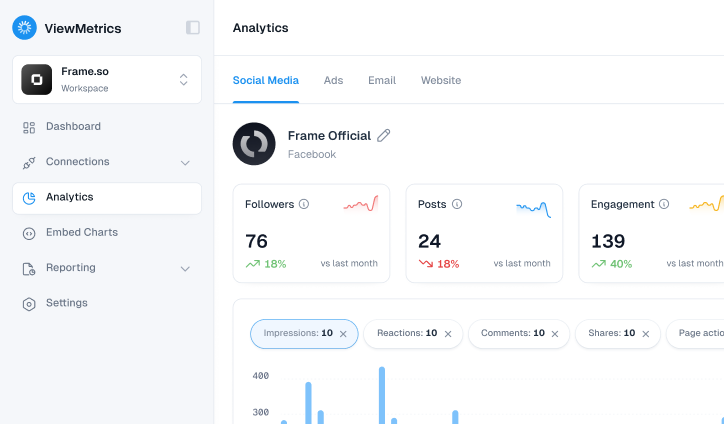
Managing OKR reports manually is time-consuming, especially when you are working with multiple data sources and teams. This is where ViewMetrics simplifies the process by doing all this:
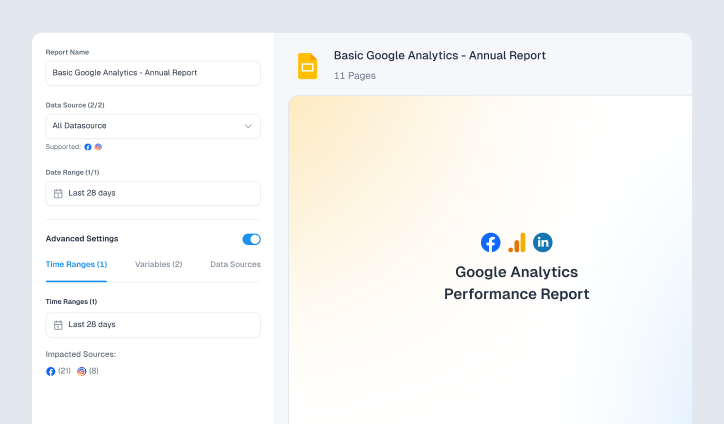
- Automate Report Generation and Scheduling: Reduce manual effort and save time.
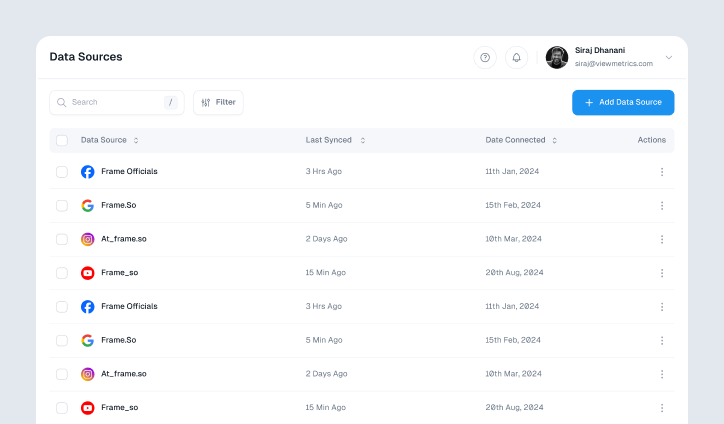
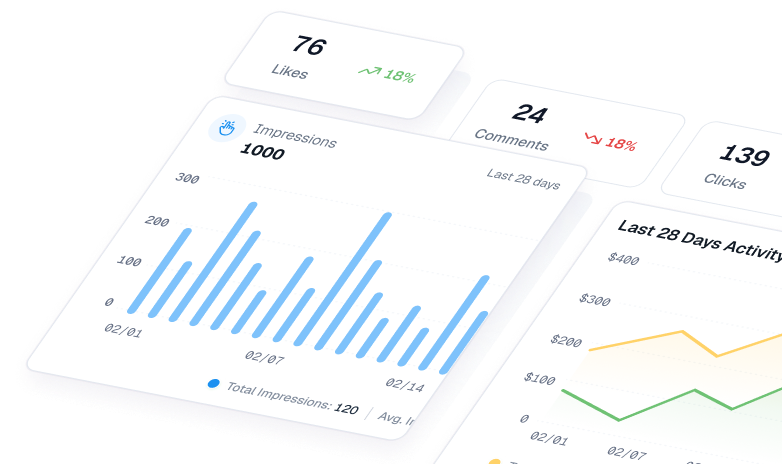
- Combine Data From Multiple Platforms: Create a unified OKR reporting dashboard.
- Leverage Ready-To-Use Templates: Maintain consistency across reports.
- Export Reports for Easy Sharing: Share insights in PowerPoint or Excel formats.
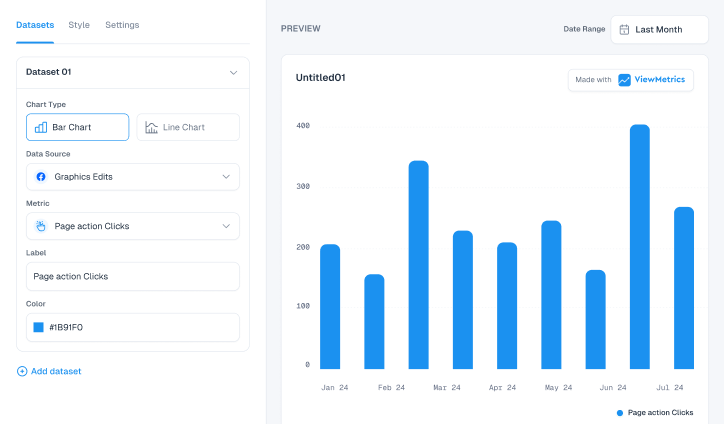
- Present Data Through Clear Visuals: Make insights easier to understand and scale.
With ViewMetrics, you can turn complex reporting into a streamlined, automated workflow.


View All Your Marketing and Website Data - Instantly
 Connect Instagram, Mailchimp, Google Analytics & more
- Pre-built dashboards, no setup needed
- Save hours on reporting every week
Conclusion
To conclude, OKR reporting helps you turn goals into measurable progress and keeps your team aligned at every stage. It brings clarity, improves accountability, and ensures that decisions are based on real data. Instead of spending hours building reports manually, you can focus on improving performance and achieving results.
With the right tools and a structured approach, OKR reporting becomes a powerful system for growth.
FAQs
How are KPIs different from OKRs?
KPIs measure ongoing performance, while OKRs focus on achieving specific goals within a defined timeframe.
How frequently should you update OKR reports?
Most teams update OKR progress reports weekly or bi-weekly to stay aligned and responsive.
Which tools can you use for OKR reporting dashboards?
Tools like spreadsheets, dashboards, and platforms like ViewMetrics can be used to create and manage OKR reporting dashboards.
What metrics are commonly used in OKR reports?
Metrics may include conversion rates, revenue growth, customer retention, or traffic increases, depending on the objective.
Is it possible to automate the OKR report?
Yes. Modern tools allow you to automate OKR status reporting, making it easier to track progress without manual effort.